11 Best Camping Apps & Tools That Actually Work Offline (2026)
Stop fumbling with dead-zone phones. From AllTrails to Gaia GPS, these 11 camping apps actually save battery, work offline, and solve real problems in the backcountry.
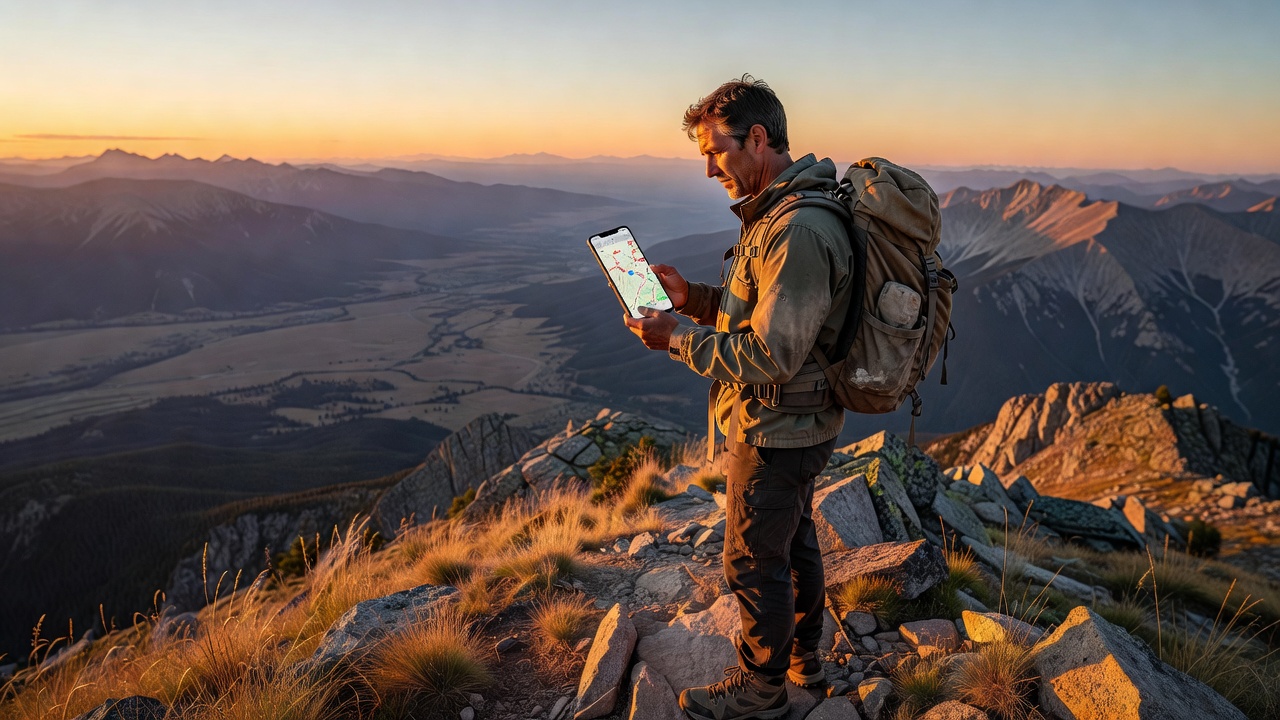
Your phone can be the most useful tool in your pack — or a brick that dies before lunch. The difference? Having the right apps set up before you lose signal.
After testing dozens of outdoor apps across national parks, national forest campgrounds, and one memorable trip where we genuinely needed the offline first-aid manual, here are the 11 camping apps that earn their battery percentage.
Weather Apps: Don't Get Caught in a Thunderstorm
Weather forecasts at the trailhead are one thing. Weather at 10,000 feet is another. These apps give you the real picture.
Windy — Best Overall Weather App for Campers
Windy visualizes wind, precipitation, temperature, and pressure on a stunning interactive map. The killer feature: you can compare four different forecast models (ECMWF, GFS, NAM, ICON) side by side. If they all agree on a storm rolling in at 3 PM, you believe them. If they disagree, you pack a rain jacket anyway.
Windy works offline if you cache the map area before heading out — tap through your route at each zoom level and the app saves it. Free version covers everything casual campers need. The premium layer ($18.99/year) adds 1-hour forecast granularity.
NOAA Weather Radar Live — Government Data, No Hype
Most weather apps repackage NOAA data with ads and gamified "storm alerts." Cut out the middleman. The NOAA Weather Radar Live app pulls directly from National Weather Service feeds — radar, satellite, severe weather alerts, and hourly forecasts. No algorithmic "feels like" nonsense. It shows the raw data and lets you interpret it.
Key for campers: the Fire Weather layer shows red flag warnings and fuel moisture levels. If you're camping anywhere in the West between June and October, this is non-negotiable.
My Lightning Tracker — When You Can Hear Thunder
Counting seconds between flash and boom is fine for estimating distance. Knowing whether the storm is moving toward you or away is better. My Lightning Tracker plots every strike on a map in near-real-time and draws the storm cell's direction of travel. Offline: no — this one's live-data only. But if you have a bar of signal at camp, check it before bed.
Navigation & Trail Apps
AllTrails — The Default, for Good Reason
With 400,000+ trails mapped and millions of user reviews, AllTrails is what most hikers open first. Download maps offline with AllTrails+ ($35.99/year), which also adds wrong-turn alerts (phone buzzes if you wander 50m off-route), air quality overlays, and 3D flyovers.
What AllTrails does best: discovering trails near your campsite. Open the app, tap "Nearby," and you've got 20 hike options with difficulty, length, and recent conditions reports. The "Backpacking" trail filter is the gateway drug to overnight trips.
What it doesn't do: detailed topo, route planning from scratch, or public land boundary data. That's where Gaia steps in.
Gaia GPS — The Serious Backcountry Tool
Gaia GPS is what SAR teams, wilderness guides, and thru-hikers use. The topographic detail is exceptional — USGS quads, NatGeo Trails Illustrated maps, satellite imagery, and public/private land boundaries all overlaid. You can plan multi-day routes with waypoints, measure cumulative elevation gain, and download everything for offline use.
Premium ($39.99/year) includes hunting layers (GMU boundaries, hunt units), motor vehicle use maps, and private land parcel data so you know exactly where public land ends.
Pro tip for car campers: Gaia's MVUM (Motor Vehicle Use Map) layer shows every legal dispersed campsite on Forest Service roads. Some of the best sites I've found were dots on an MVUM that zero people mentioned on AllTrails.
onX Backcountry — Know Whose Land You're On
onX started as a hunting app and expanded into Backcountry (the hiker/camper version). The standout feature is land ownership layers — it shows public (green) vs. private (shaded) land with property boundaries and owner names where available. If you're camping in the West where BLM land, National Forest, state trust land, and private ranches checkerboard together, this prevents an awkward tent-pitching conversation.
Offline maps included with premium ($29.99/year). The 3D satellite imagery is addictive — you can virtually scout a camping spot from your couch.
Avenza Maps — The Free NPS & USFS Map App
National Parks and National Forests publish free geo-referenced PDF maps (the kind rangers hand out at visitor centers). Avenza Maps loads those exact PDFs and shows your GPS dot on them — no paid subscription, no account needed. The map store has thousands of free USFS, NPS, BLM, and state park maps.
Download the PDF before your trip, open it in Avenza, and you have the exact same map the ranger station uses — with your little blue dot on it. Works 100% offline.
Campsite Booking & Discovery
The Dyrt — Campsite Reviews That Tell the Truth
AllTrails reviews will tell you the waterfall is "breathtaking." The Dyrt reviews will tell you site #17 has a hornet's nest, the vault toilet was last serviced in 2019, and the campground host sells firewood for $6. It's the Yelp of camping, and the brutal honesty is invaluable.
The Dyrt PRO ($35.99/year) adds offline map downloads, trip planning, and discounts at participating campgrounds. The free tier covers all the reviews.
What The Dyrt excels at: finding dispersed camping spots. Filter by "Free" and zoom into National Forest land — you'll find pull-offs and primitive sites that don't appear on Recreation.gov.
Recreation.gov — The Only Place to Book Federal Campsites
Yes, the app is clunky and the search UI feels like 2012. But it's the only way to reserve campsites in National Parks, National Forests, BLM campgrounds, and Army Corps of Engineers lakes. Popular sites (Yosemite Valley, Arches, Glacier) book out 6 months in advance — the app's "Availability Alerts" feature notifies you when someone cancels, which is how I've snagged last-minute spots in nearly-full campgrounds.
Also handles: timed entry permits, wilderness permits, and day-use reservations that parks now require during peak season.
Hipcamp — Airbnb for Camping
Private land camping — farms, vineyards, ranches, and backyards that owners list as campsites. Hipcamp fills the gap when established campgrounds are booked solid. Prices range from $15 (pitch a tent in a field) to $150+ (glamping yurt with a hot tub). The app lets you filter by "campfires allowed," "toilet available," and "pet-friendly."
Bias disclosure: I've used Hipcamp four times. Three were excellent (farm camp with fresh eggs in the morning, a riverside hammock spot, a desert yurt). One was a literal patch of dirt next to a horse stable. Read the reviews.
Tools & Utilities
Red Cross First Aid — The Offline Emergency Manual
This app downloads the entire first-aid manual to your phone — no signal required. Step-by-step instructions with illustrations for: cuts and bleeding, burns, sprains and fractures, allergic reactions, heat exhaustion, hypothermia, snake bites, and CPR. The emergency tab has one-tap 911 dialing and a hospital finder (live data required).
Every camper should have this installed. The "Learn" tab has interactive quizzes that are genuinely useful for refreshing skills before a trip.
SkyView Lite — Free Stargazing
Point your phone at the sky and SkyView labels every star, planet, constellation, and satellite. The free Lite version covers everything a casual stargazer needs. Works offline — the star positions are calculated, not fetched. No cell signal at camp means no light pollution, which means spectacular conditions for this app.
If you're camping with kids, this is the single best app-solves-boredom trick I've found. Ten minutes of identifying constellations buys you thirty minutes of them staring at the actual sky comparing what they see to the app.
Camp & RV by AllStays — The Comprehensive Campground Database
This one's less slick than the others but more comprehensive. AllStays maps every campground type: National Park, State Park, BLM, Forest Service, private RV parks, Walmart parking lots, rest areas, and truck stops. Over 38,000 data points. The filters are granular — "campgrounds with dump stations under $30 near I-70 in Colorado" actually works.
$9.99 one-time purchase (not a subscription). Offline mode downloads the entire database. The UI looks like a spreadsheet had a baby with Google Maps circa 2015 — but it works.
The Offline Setup Checklist
Before you leave cell range, do these five things:
- Download offline maps in AllTrails, Gaia, and/or onX for your route + a 10-mile buffer
- Cache weather in Windy by zooming through your camping area at all altitude layers
- Download the NPS/USFS PDF for your destination into Avenza Maps
- Open the Red Cross First Aid app and confirm the offline manual loaded (check the "Emergency" tab)
- Switch to airplane mode + battery saver — your phone lasts 3x longer and GPS still works
One More Thing: Bring a Paper Map
I'm a tech enthusiast writing an apps roundup, so trust me on this: bring a paper map. Phones break. Batteries die. Rain happens. A $12 National Geographic Trails Illustrated map weighs 2 ounces, doesn't need charging, and has bailed me out twice.
The apps are force multipliers — they make a competent camper better. But they're not a substitute for basic navigation skills and a backup plan.
<!-- AFFILIATE_DISCLOSURE -->